Understanding TradingView Fundamentals
TradingView has emerged as a powerful platform for traders and investors alike, revolutionizing the way individuals interact with financial markets. With its comprehensive suite of tools, TradingView streamlines the entire trading process, from analysis to execution. Whether you're analyzing stocks, forex, cryptocurrencies, or derivatives, the platform offers users an integrated solution that centralizes multiple functionalities, making complex market conditions actionable. This article will delve into the core features of TradingView, providing insights on how to establish a successful trading methodology and maximize your trading potential.
What is TradingView and How It Works?
TradingView is a web-based platform designed for traders and investors, allowing them to chart financial markets, share ideas, and connect with a community of like-minded individuals. Founded in 2011, TradingView has grown exponentially, catering to millions of users worldwide. The platform’s user-friendly interface and expansive library of technical analysis tools enable traders to analyze and strategize in various financial instruments, including stocks, futures, and cryptocurrencies.
Key Features That Enhance Your Trading Experience
One of the standout features of TradingView is its versatility. Users can benefit from numerous functionalities such as:
- Multi-Chart Layouts: Traders can configure different chart types and layouts to monitor multiple markets simultaneously.
- Technical Indicators: The platform supports a wide array of indicators, from moving averages to more complex oscillators.
- Pine Script: Users have the ability to create custom scripts and indicators using TradingView’s in-house scripting language.
- Social Network: Community-driven insights allow traders to share ideas and strategies seamlessly.
- Real-Time Alerts: Alerts can be set for price movements or indicator signals, ensuring that traders never miss critical market changes.
Getting Started: Account Setup and Initial Configuration
To begin with TradingView, users must create an account. The registration process is quick and straightforward, requiring an email address and password. Once registered, users can explore the platform's interface and customize their settings according to their trading preferences. It’s recommended to start with a free account, which provides access to basic features. As you become more familiar with the platform, consider upgrading to a Pro account for additional benefits.
Creating Your Custom Trading Workspace
Designing Layouts with Multiple Charts
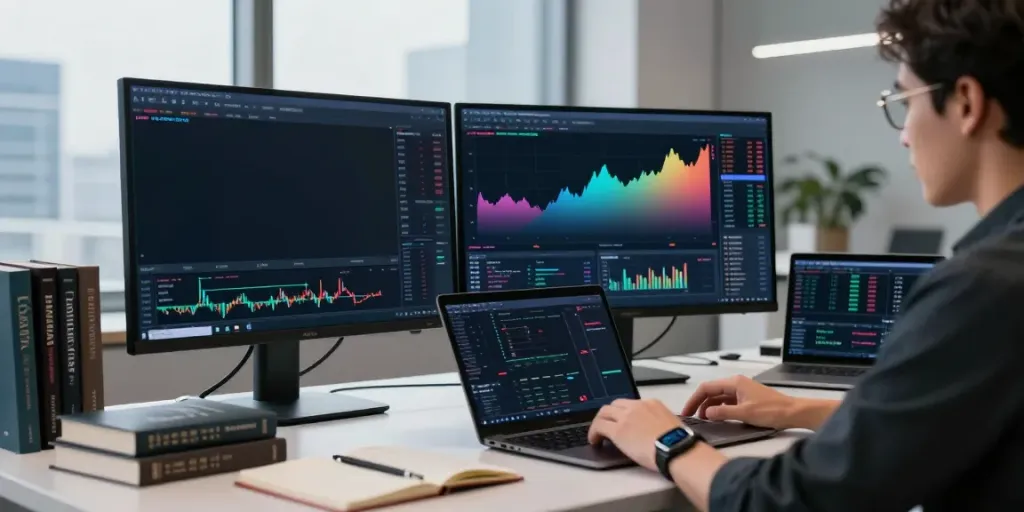
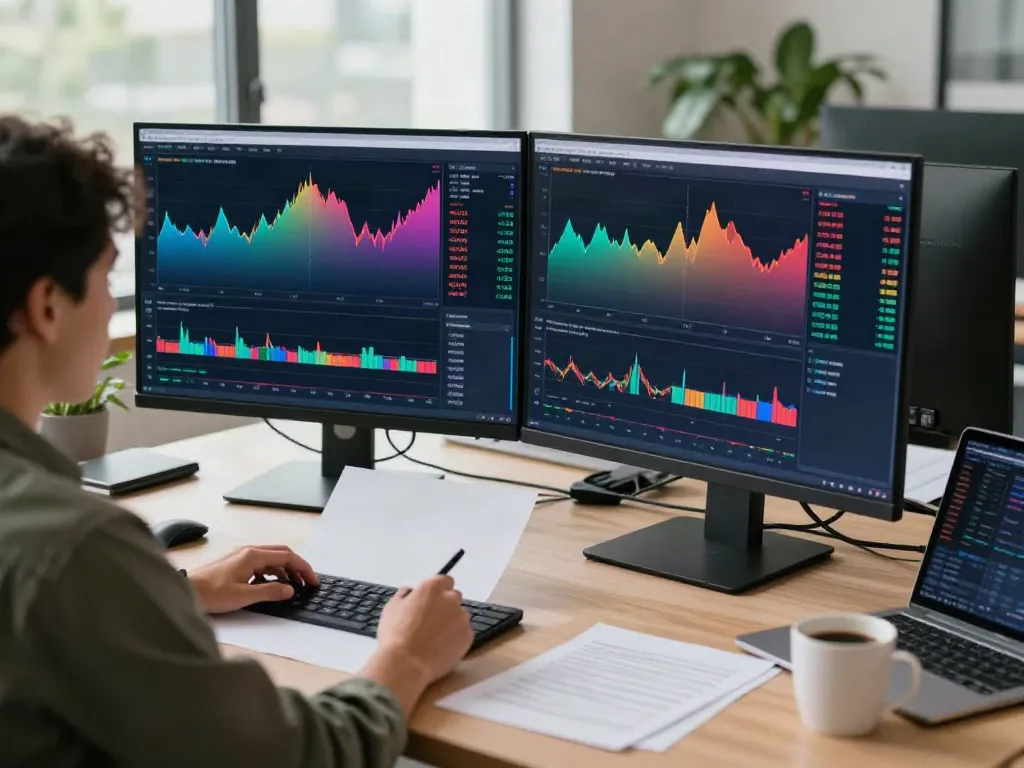
Creating a personalized trading workspace is crucial for efficiency and effectiveness. With TradingView, users can design layouts that suit their trading style. Whether you prefer analyzing stocks, forex pairs, or cryptocurrencies, having multiple charts open allows you to monitor different markets without switching between tabs. Users can adjust the number of charts displayed, ranging from one to up to eight charts simultaneously.
Integrating Technical Indicators and Tools
Once your layout is set up, integrating technical indicators is the next step. TradingView offers a rich library of indicators that can be applied directly to charts. Popular indicators include:
- Moving Averages: Useful for identifying trends over a specified period.
- Relative Strength Index (RSI): Assists in determining overbought or oversold conditions.
- Volume Indicators: Provides insights into the strength of a price movement based on trading volume.
Users can also customize indicators by adjusting their parameters, ensuring that the tools align with their trading strategies.
Utilizing Pine Script for Custom Strategies
For traders looking to take their analysis to the next level, TradingView’s Pine Script allows for the development of personalized trading strategies and indicators. This scripting language enables users to:
- Create unique indicators tailored to specific trading strategies.
- Backtest strategies using historical data to evaluate performance.
- Publish scripts within the TradingView community for feedback and collaboration.
Effective Research and Analysis Techniques
Conducting Market Research with TradingView Tools
Market research is a vital component of successful trading. Leveraging TradingView's built-in tools, traders can conduct thorough research using:
- Screeners: Filter assets based on specific criteria such as price movements, volume changes, and technical indicators.
- Heat Maps: Visual representations of market performance across different sectors or asset classes.
- Community Insights: Browsing through shared ideas and analysis from other traders can provide fresh perspectives.
Leveraging Community Insights and Sharing Ideas
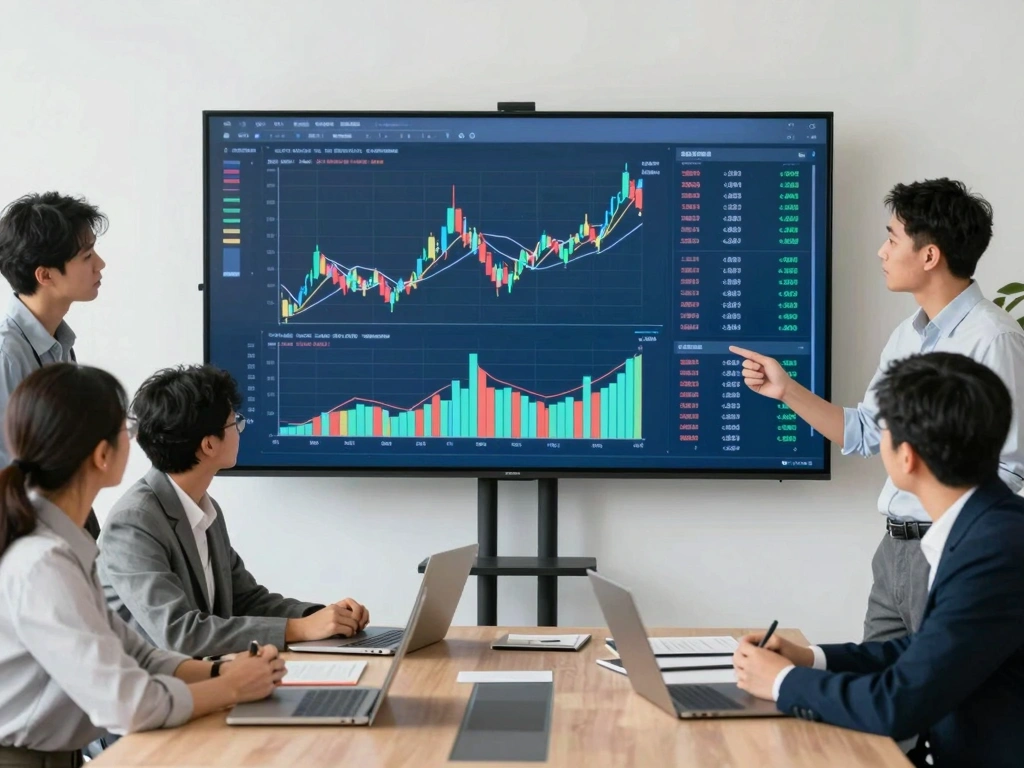
Engaging with the TradingView community fosters growth and learning. Users can share their analyses, comment on others’ ideas, and gain valuable feedback. Monitoring community trends can often highlight emerging strategies or market sentiments, enabling quick adaptability in trading approaches.
Formulating a Systematic Trading Plan
Having a systematic trading plan is crucial for consistency in trading. A well-structured plan includes:
- Clear entry and exit points based on technical and fundamental analysis.
- Risk management strategies to protect capital.
- A set of rules for trade execution and daily or weekly review sessions.
TradingView allows for the documentation of thoughts and analysis within its platform, making it easier to track performance over time.
Setting Alerts and Notifications for Real-Time Updates
Creating Price and Indicator Alerts
Staying updated on market movements is essential for a successful trading strategy. TradingView's alert system enables traders to create:
- Price Alerts: Notifications when an asset reaches a specified price level.
- Indicator Alerts: Alerts triggered by specific indicator conditions such as moving average crossovers.
Managing Notifications Across Devices
TradingView’s integration across devices means alerts can be received on your desktop, tablet, or mobile. With mobile notifications, you can remain engaged with the market even while on the go, allowing you to react swiftly to market changes.
Best Practices for Staying Informed on Market Movements
Establishing a routine for monitoring market movements can significantly enhance trading outcomes. Consider these best practices:
- Review your alerts daily to adjust your trading strategy as necessary.
- Regularly browse community ideas to stay informed on market sentiment.
- Utilize the economic calendar to anticipate market impacts from major news events.
Evaluating Your Trading Performance and Strategies
Using Strategy Tester for Backtesting
Backtesting is crucial for assessing the viability of a trading strategy. TradingView's Strategy Tester enables users to test their custom scripts against historical data, providing metrics such as:
- Win rate
- Maximum drawdown
- Profit factor
This feature allows traders to refine their strategies before deploying them in real market conditions.
Analyzing Trade Performance Metrics
Post-trade analysis is vital for continual improvement. Traders should regularly review metrics such as:
- Return on investment (ROI)
- Average gain per trade vs. average loss
- Time in the market
By understanding these metrics, traders can identify patterns in their performance and make necessary adjustments to their strategies.
Iterating on Your Trading Strategies for Improvement
Trading is an evolving process; strategies must adapt to changing market conditions. Regularly iterating and refining your approach based on performance metrics and community insights enhances the effectiveness of your trading plan.
What are the Benefits of Using TradingView for Market Analysis?
TradingView offers numerous benefits for traders, including:
- Enhanced analytical capabilities through customizable charts and indicators.
- Access to a vast community for insights and collaboration.
- Real-time data and alerts to make timely trading decisions.
Is TradingView Suitable for Beginners and Professionals?
Yes, TradingView caters to a diverse audience. Beginners benefit from its intuitive interface and educational resources, while experienced traders appreciate the depth of analytics and customization options available.
Comparative Analysis: TradingView vs. Other Platforms?
While there are various trading platforms available, TradingView stands out due to its combination of charting capabilities, community engagement, and ease of use. Compared to traditional brokers and other charting platforms, it provides a more holistic trading experience.
Future Trends: Where is TradingView Heading in 2026?
Looking toward the future, TradingView is likely to incorporate more advanced technological features such as AI-driven analytics and enhanced mobile functionalities. As the trading landscape evolves, TradingView will continue to adapt, providing traders with the tools necessary to succeed in an increasingly complex market environment.